Updated: July 15, 2026
Peace of Mind at Work — LINE Alerts and Logs That Prove It’s Running
Invisible automation breeds anxiety. Use reception logs and LINE notifications to confirm relay activity without over-monitoring.
Auto-trading brings a strange anxiety: is anything running while I cannot see the screen? I refreshed logs every five minutes at first. Now LINE notifications plus reception logs give me a calmer distance.
Invisible does not mean broken
You understand the flow — TradingView fires, Webhook relay queues, MT5 fetches. Without visibility, the mind invents problems. At work you cannot open charts. Knowing the moment a signal arrives cuts stress.
Reception log is the record
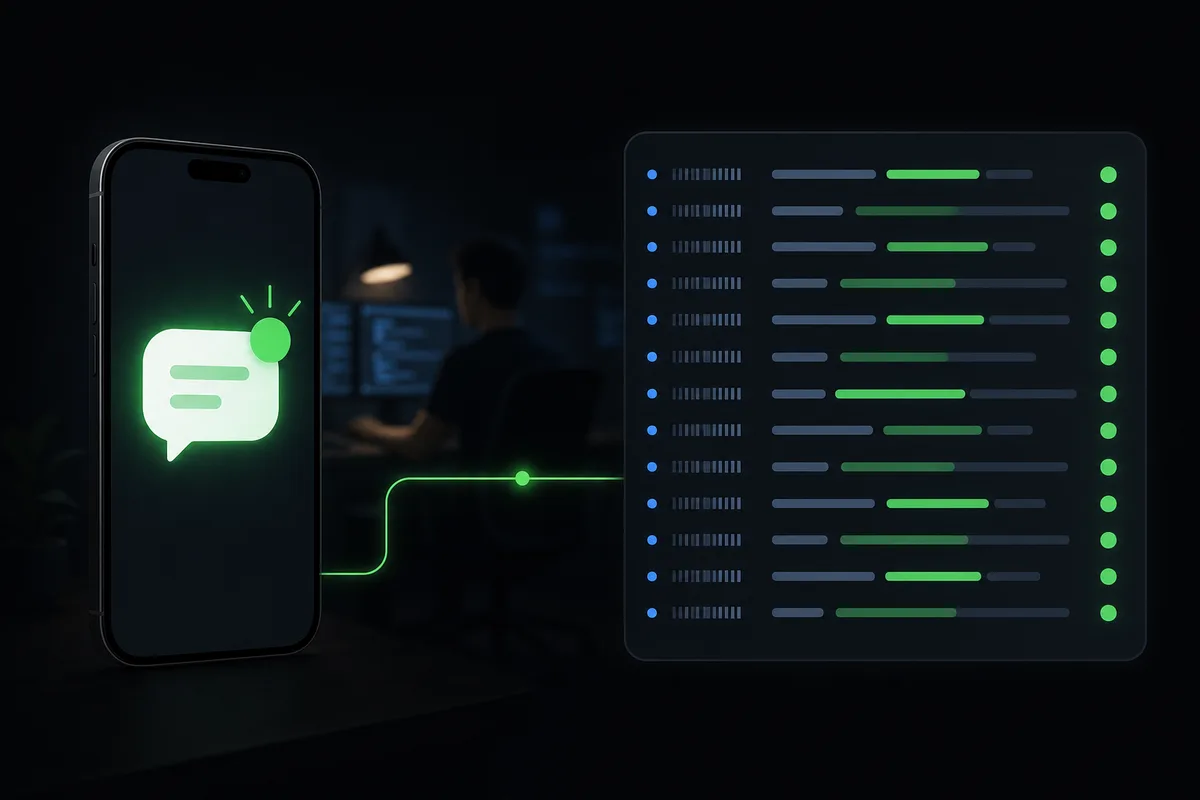
Dashboard reception log is the official trail of what arrived and when. Troubleshooting starts here. My habit: quick morning and lunch checks. Constant watching invites manual interference.
LINE for “it arrived”
On PLUS and above, LINE notifications buzz your phone on receipt. Not flashy — psychologically grounding. You learn a signal landed without opening charts. Notification is not permission to intervene. Decide that upfront.
Avoid over-monitoring
Logs and LINE are comfort tools, not hobbies. Let TradingView and EA run rules; humans act on exceptions. Write your exception — e.g. “no log for 24 hours, then investigate.”
Notifications do not include balance or trade recommendations — technical receipt only.
Run auto-trading during work with logs and LINE alerts for confidence. Configure from My Page. After the foundation is solid, lots and compliance stay at your pace.
MARONII WEBHOOK TERMINAL
Relay TradingView alerts to MT5 / MT4 / cTrader automatically. Start on the free plan.